
Real moments
- A session ends.
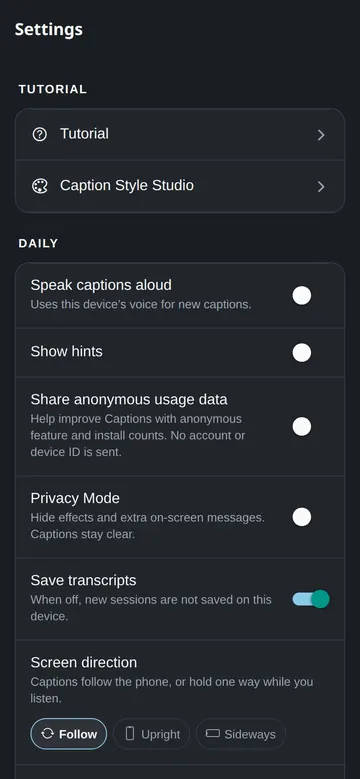
- The transcript is available for review.
- The host can copy or download the text.
- Pro keeps more transcripts in the cloud.
Use it this way
- 1Host a session.
- 2End the session when finished.
- 3Open transcripts.
- 4Copy, download, or delete the text.
When it fails
- If a transcript is missing, confirm you were signed in.
- If a line is wrong, check the original speech preview.
- If you need privacy, delete the transcript.
What to trust
- Free keeps recent transcript data on the phone.
- Pro can sync transcripts to the cloud.
- Cloud transcripts can be deleted.