

Real moments
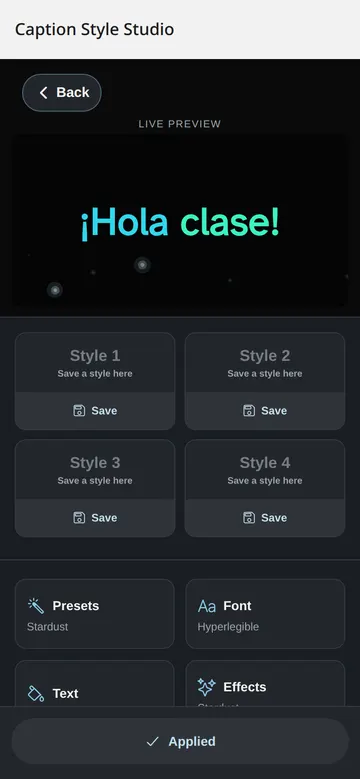
- Preview every style before a session.
- Use simple high-contrast captions when clarity matters.
- Sync a host style to classroom viewers.
- Use reduce-motion settings to quiet effects.
Use it this way
- 1Open Look or Style Studio.
- 2Choose a preset.
- 3Check the live preview.
- 4Apply the style before you host.
When it fails
- If text is hard to read, switch to a high-contrast style.
- If motion distracts, turn on reduced motion.
- If a viewer needs plain captions, they can use the simple view.
What to trust
- Legibility wins over decoration.
- Contrast checks protect caption text.
- Premium styles preview before payment.