

Real moments
- A host starts captions without extra prompts.
- Ads never appear on live caption screens.
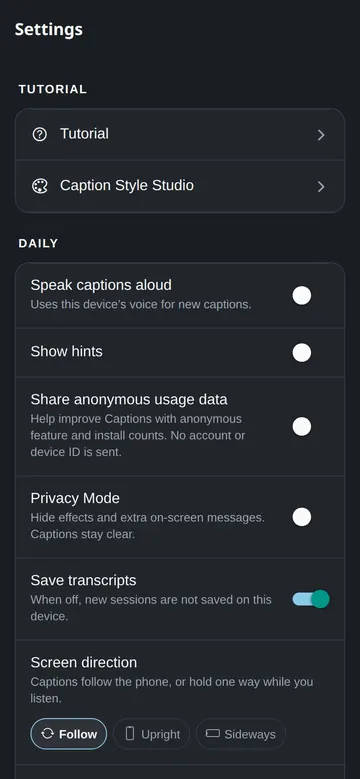
- Privacy Mode hides ads and extra effects.
- A host can delete cloud data.
Use it this way
- 1Use Privacy Mode for sensitive settings.
- 2Keep captions simple when others can see the screen.
- 3Review transcripts after the session.
- 4Delete what you no longer need.
When it fails
- If you see an unwanted effect, switch to simple captions.
- If you need account deletion, use the account page.
- If something feels wrong, contact support.
What to trust
- No payment prompt interrupts live captions.
- Viewers do not need an account.
- The product favors latency, legibility, and dignity.