

Real moments
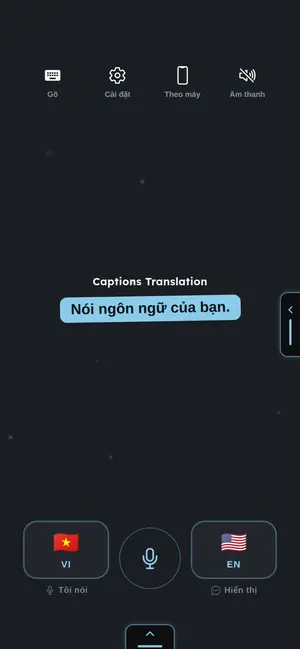
- The host speaks normally.
- The phone previews what it heard.
- The other person reads large translated captions.
- The first caption does not wait for sign-in.
Use it this way
- 1Choose the language you speak.
- 2Choose the language to display.
- 3Start captions.
- 4Hold the phone so the other person can read.
When it fails
- If captions are wrong, move closer and speak one language at a time.
- If the mic is blocked, check Android microphone permission.
- If translation is slow, source captions still show first.
What to trust
- Audio is not stored by Captions Translation.
- Recognized text is used to make captions.
- Captions stay readable before effects or style.