

Real moments
- The host shares a link or QR code.
- A viewer can still enter the numeric code by hand.
- The number pad works across scripts.
- Each viewer keeps their own reading language.
Use it this way
- 1Open a session invite.
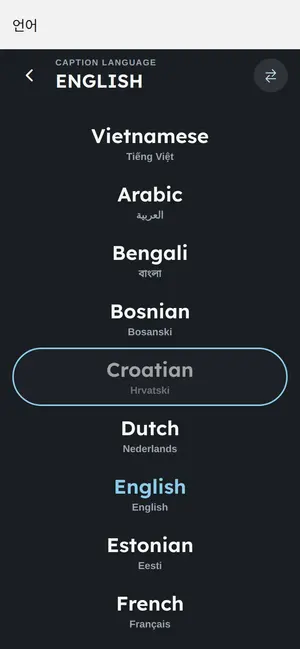
- 2Choose your reading language.
- 3Enter the 8-digit code only if needed.
- 4Read captions on your device.
When it fails
- If a keyboard shows another script, switch to the number pad.
- If a code has letters, it may be an old invite.
- If the link works, use the link instead of typing.
What to trust
- New session codes are numeric.
- Invite links do the main work.
- Code entry is a backup path.