
Real moments
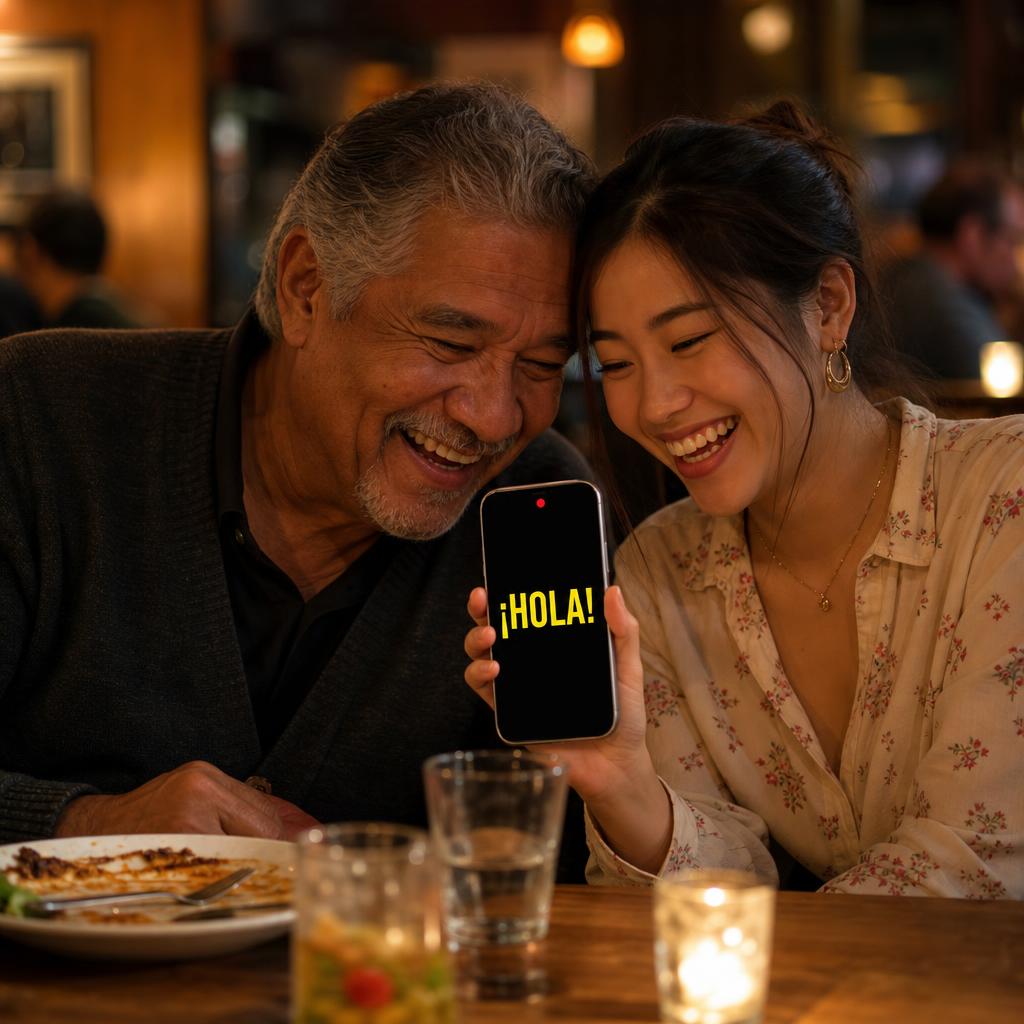
- One phone sits between both people.
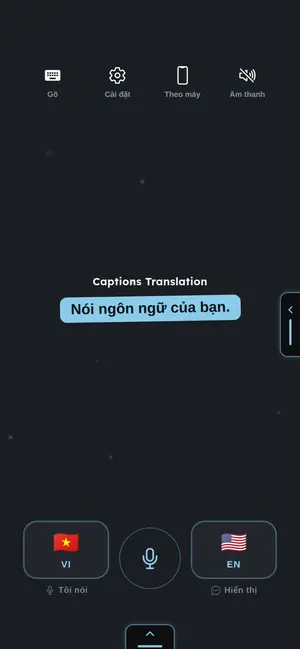
- Each side has its own language.
- A person taps, speaks, and shows the translation.
- The screen stays simple for quick turn-taking.
Use it this way
- 1Open Conversation mode.
- 2Pick both languages.
- 3Tap your side before you speak.
- 4Let the other person read or tap their side.
When it fails
- If speech is detected in the wrong language, tap the correct side first.
- If the screen rotates poorly, lock the phone orientation.
- If both people talk at once, pause and take turns.
What to trust
- This mode avoids automatic two-language listening.
- Manual turn-taking is more reliable.
- One phone is enough for many real situations.