

Real moments
- You send an invite by text.
- The link opens the app when it is installed.
- The web page shows the code when the app is not installed.
- The code is numeric, so every keyboard can enter it.
Use it this way
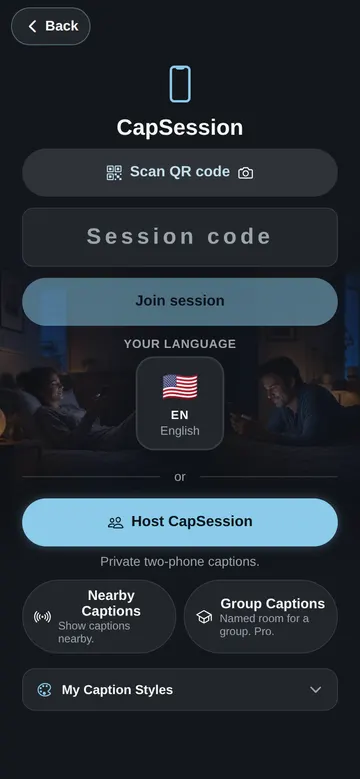
- 1Open CapSession in the app.
- 2Share the invite link.
- 3The second phone opens the invite.
- 4Both people speak from their own phone.
When it fails
- If the app does not open, install the app and enter the code.
- If the code is missing, ask the host to send a new invite.
- If the connection drops, open the same invite again.
What to trust
- Both phones need the app for a two-phone conversation.
- The invite code is only a session code.
- Old alphanumeric invites can still work while they age out.